Showing posts with label How To Use Pendrive As A RAM In Windows 7. Show all posts

Wednesday, 26 February 2014

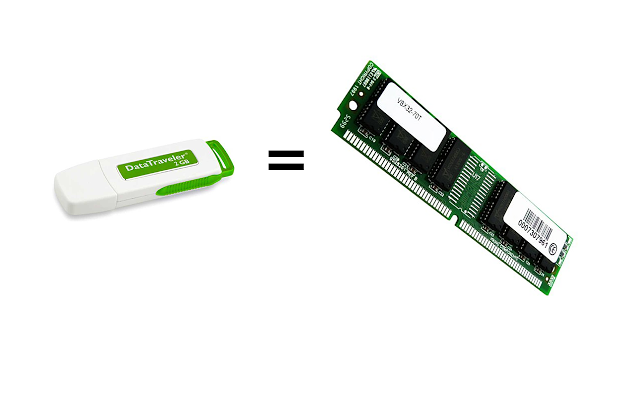
How To Use Pendrive As A RAM In Windows 7

How To Use Pendrive As A RAM In Windows 7


How To Use Pendrive As A RAM In Windows 7:


1. Open your computer.
2. Plug-in your pendrive.
3. Format your pendrive with NTFS or FAT32.
4. Now check use this device.
5. Choose maximum space to reserve system speed.
6. Click on Apply and OK.
7. Now you are ready to use your pendrive as a RAM.


Copyright @ 2013 Free tutorials.

Designed by Maqsood & Sponsored By MySoftShop.net