Showing posts with label Graphics. Show all posts

Monday, 17 December 2012

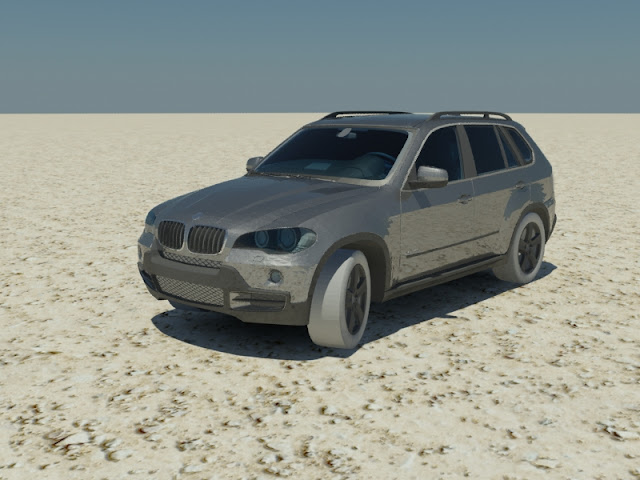
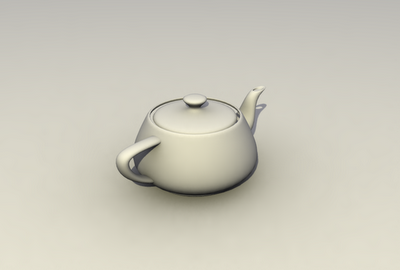
My 3ds Max Models


Tuesday, 4 December 2012

3DS MAX Mental Ray Daylight Tutorial


How to Create Daylight In 3dsmax

First of all open 3ds max 


then create a daylight 


click on yes 


change the sunlight = mr Sun and skylight = mr Sky


then go to lights and create a mr sky portal and place it right over the window


now render


If you like my tutorial don't forget to comment!

Monday, 26 November 2012

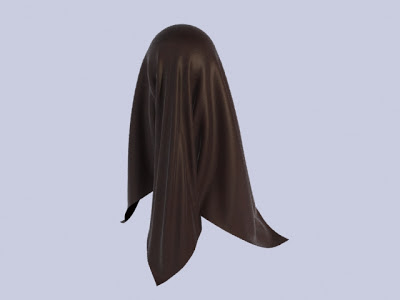
3DS Max Reactor Cloth Tutorial

  How To Create Cloth In 3ds Max

First of all open 3ds max 


create a plane with length and width segments of 80


go to modifier and select cloth and then click on object properties


click on add objects and then select all the objects in the scene


select collision object


click on the cloth plane and then change it from inactive to cloth and select any cloth properties you want


then click on simulate option and it will simulate the cloth 


If you like my tutorial don't forget to comment!

Friday, 23 November 2012

3DS Max How To Create Mental Ray Displacement Grass


 3ds Max Mental Ray Displacement Grass


First of all open 3ds max and go to render setup and select mental ray renderer


then, go to material editor option and open grass texture


go to the maps option and check the box of displacement and click on none and then select bitmap 


and now render!


If you like my tutorial don't forget to comment!

Thursday, 22 November 2012

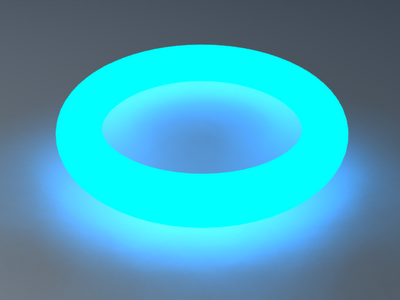
3DS Max How to Create Glowing Materials


3ds Max Glow Materials

First of all open 3ds max 


go to rendering>render setup and change it from scanline to mental ray renderer


In the rendering setup go to renderer


go to material editor tool and select mental ray 


click on surface box and select glow option


change the color whatever you want 


change the brightness to 35%


click on the surface option and drag it down to shadow option and select instance option


assign the material to the object


now render!


If you like my tutorial  don't forget to comment!

3DS Max - Mental Ray Depth Of Field


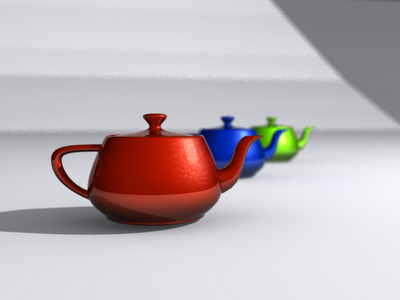
Mental Ray Depth Of Field

First of all open 3ds max


go to create option and create a target camera 


go to camera options and scroll down on the multi pass effect select enable button and change the depth of field to depth of field (mental ray)


and thats it you are done 


If you like my tutorial don't forget to comment!


Wednesday, 21 November 2012

3DS Max - Basic Sunlight in 3ds Max


Create A Basic Sunlight In 3ds Max using Scanline Renderer


First of all open 3ds max 


and go to lights option and create a skylight 


then create a target spot light 


set the color to light yellow so it will give the look of sunlight 


scroll down and go to spotlight parameters and increase the size of hotspot beam and falloff  field


check  the on box in the shadows option and change it to ray traced shadows


now go to renderer setup and go to advanced lighting and select light tracer option


click on the render button to render your image


If you like my tutorial don't forget to comment!


Copyright @ 2013 Free tutorials.

Designed by Maqsood & Sponsored By MySoftShop.net