
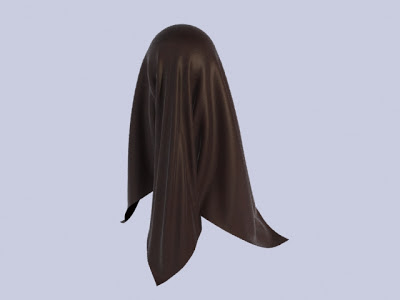
How To Create Cloth In 3ds Max
First of all open 3ds max

create a plane with length and width segments of 80

go to modifier and select cloth and then click on object properties

click on add objects and then select all the objects in the scene

select collision object

click on the cloth plane and then change it from inactive to cloth and select any cloth properties you want

then click on simulate option and it will simulate the cloth

If you like my tutorial don't forget to comment!


