Showing posts with label Photoshop Tutorials - How to apply realistic tattoos. Show all posts

Monday, 19 November 2012

Photoshop Tutorials - How to apply realistic tattoos


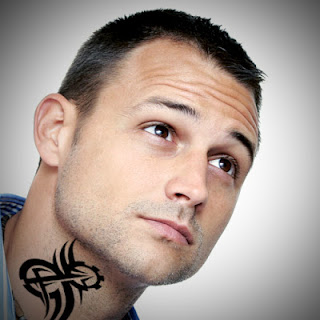
  How to Apply tattoos in Photoshop 

First of all, open your image in Photoshop


And then open your tattoo image,

and take the move tool to take the tattoo image and put it in our image that we,ve opened first.


Now go to Edit>Free Transform to fit your image 


If you like my tutorial then don't forget to comment.


Copyright @ 2013 Free tutorials.

Designed by Maqsood & Sponsored By MySoftShop.net